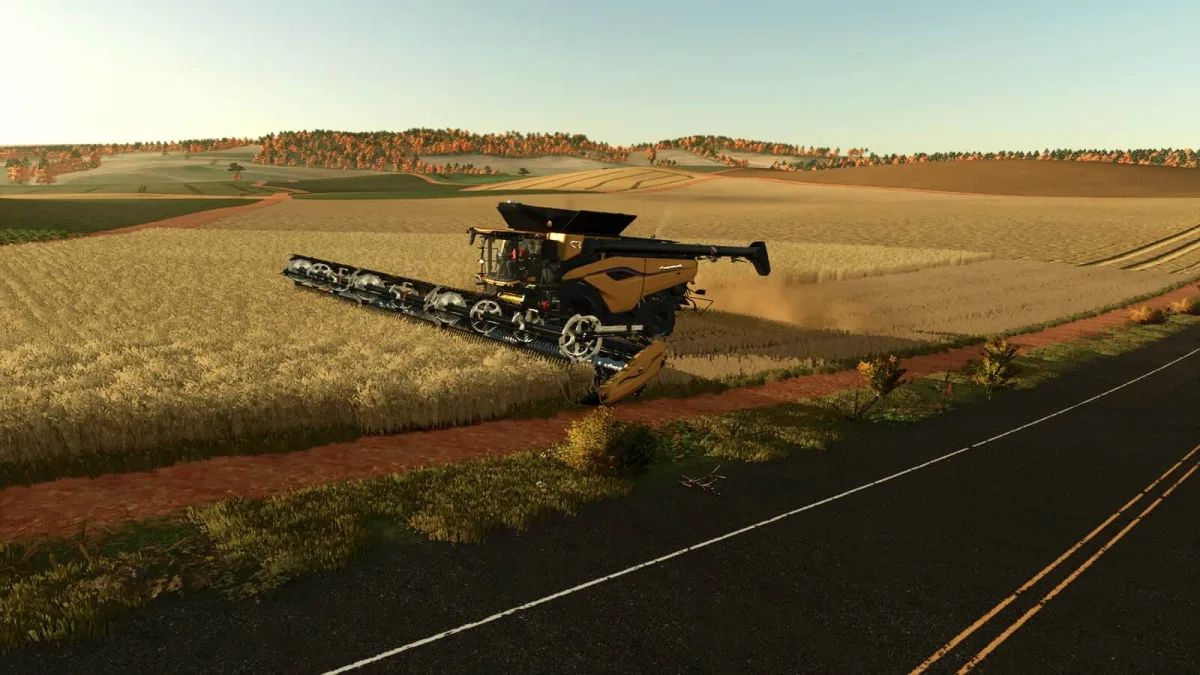
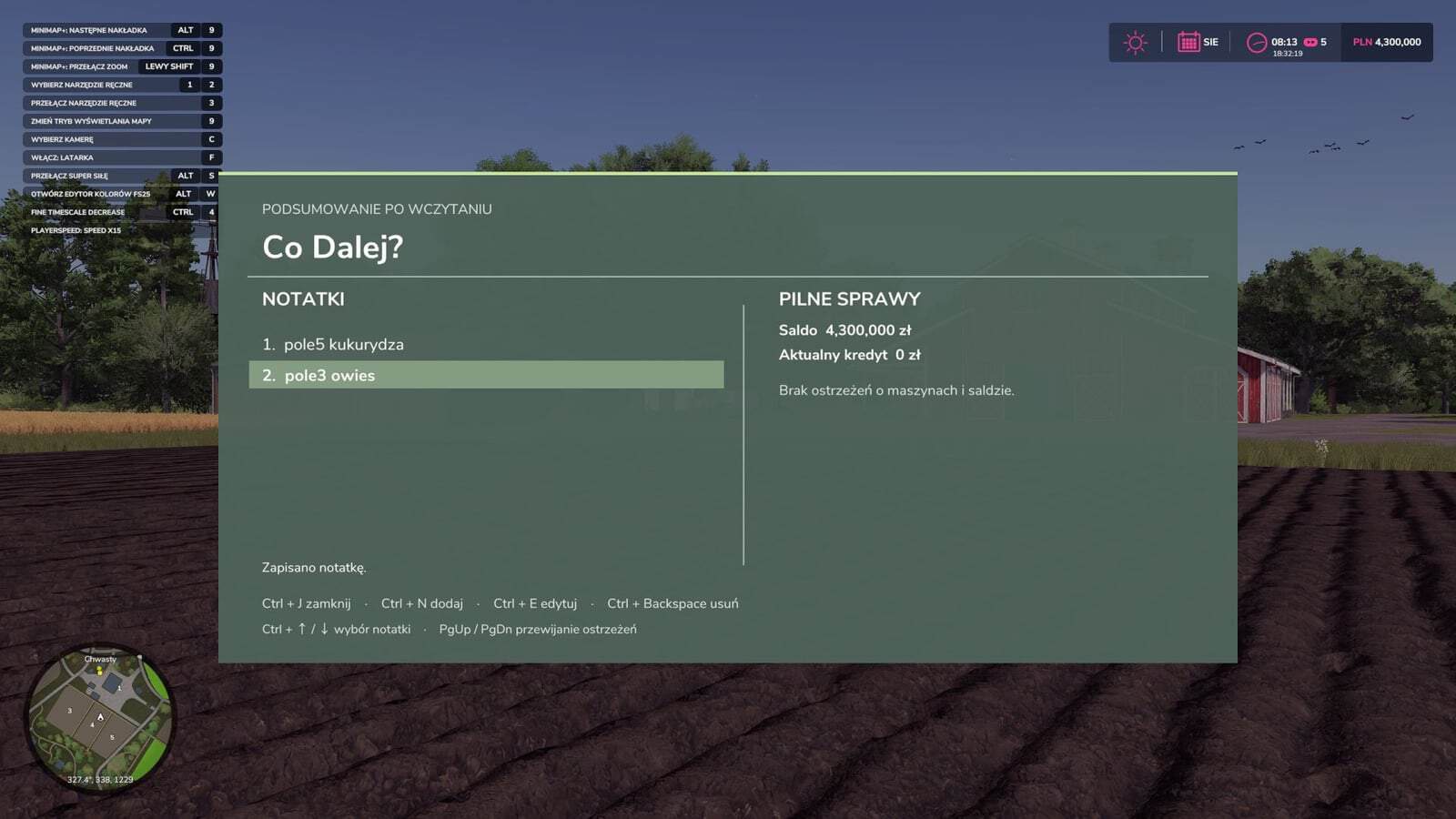
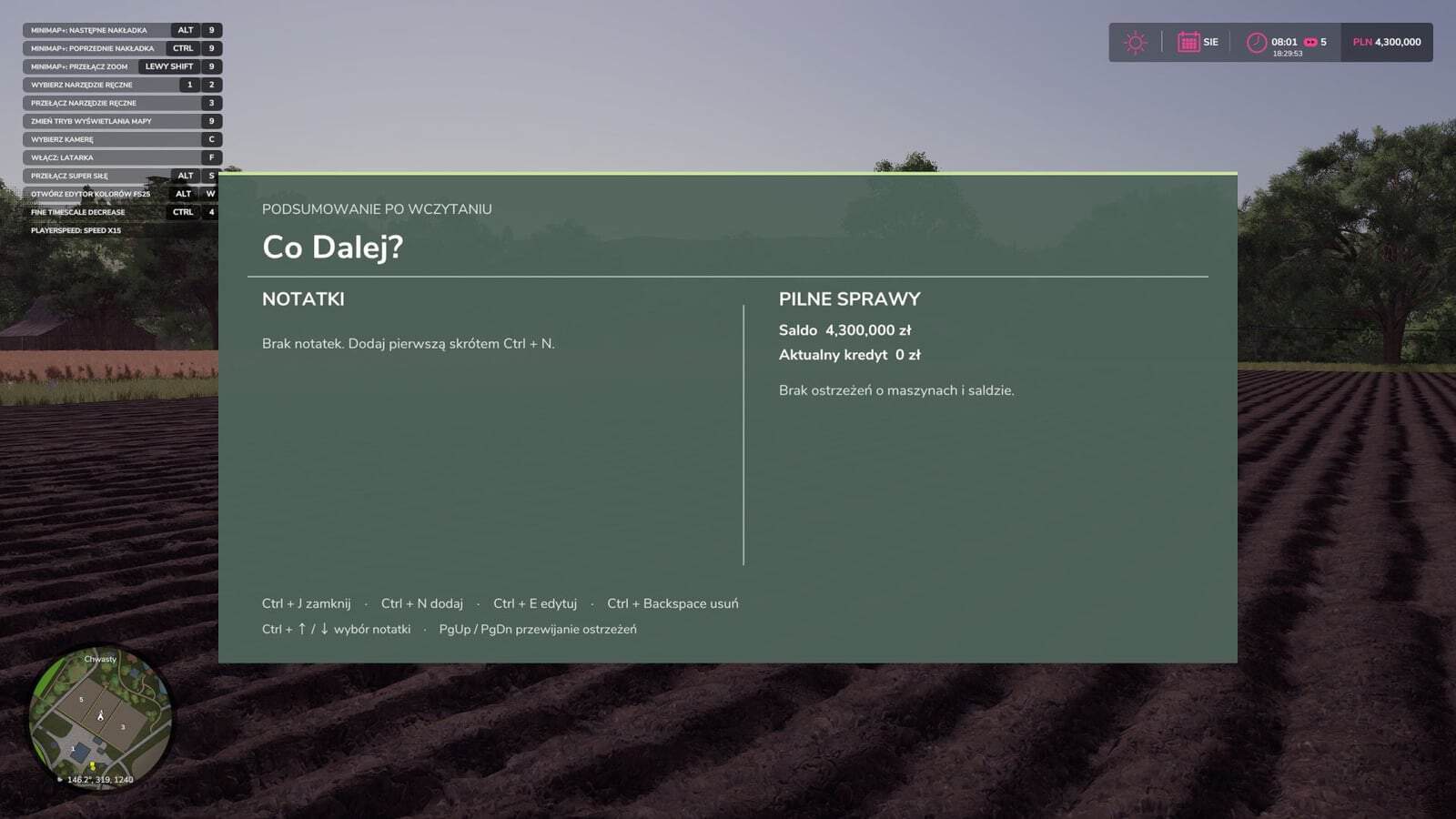
What Next? is a notebook for Farming Simulator 25 that displays your to-do list and farm-related warnings a few seconds after loading your career. It helps you remember where you left off when returning to a save after a few days.
Features
- Write down what you want to do during your next session, such as “Lime field 12” or “Sell rapeseed when the price exceeds €500”.
- Add, edit and delete notes while playing.
- Notes are saved together with the career in a separate
coDalej.xmlfile, so each save has its own list. - Entries are reminders to read. The mod does not monitor prices or perform saved tasks.
- Machines with fuel or charge below 15%.
- Equipment damaged by more than 60%.
- The farm’s current balance, with a warning when it drops below zero.
- The current loan amount.
Controls
| Shortcut | Action |
|---|---|
| Left Ctrl + J | Open or close the panel |
| Left Ctrl + N | Add a note |
| Left Ctrl + E | Edit the selected note |
| Left Ctrl + Backspace | Delete the selected note |
| Left Ctrl + ↑ / ↓ | Select a note |
| PgUp / PgDn | Scroll through the warning list |
| Enter / Esc | Confirm or cancel the entry while editing |
What’s Next V1.0.0.0 – Windows & macOS Desktop Technical Guides
Need Windows 10/11 (x64) or macOS (Apple Silicon M1–M4 / Intel) compatibility specs, installation steps, or troubleshooting fixes for What’s Next V1.0.0.0? Explore our dedicated desktop sub-guides:
- What’s Next V1.0.0.0 Windows & macOS System Requirements
- How to Install What’s Next V1.0.0.0 (Windows & Mac Setup)
- What’s Next V1.0.0.0 Startup Crash, DLL & Permission Fixes
- What’s Next V1.0.0.0 Latest Build Changelog & Patch Notes
Related PC Mods Bay Releases & Hubs:
Popular & Similar Downloads