Game Overview
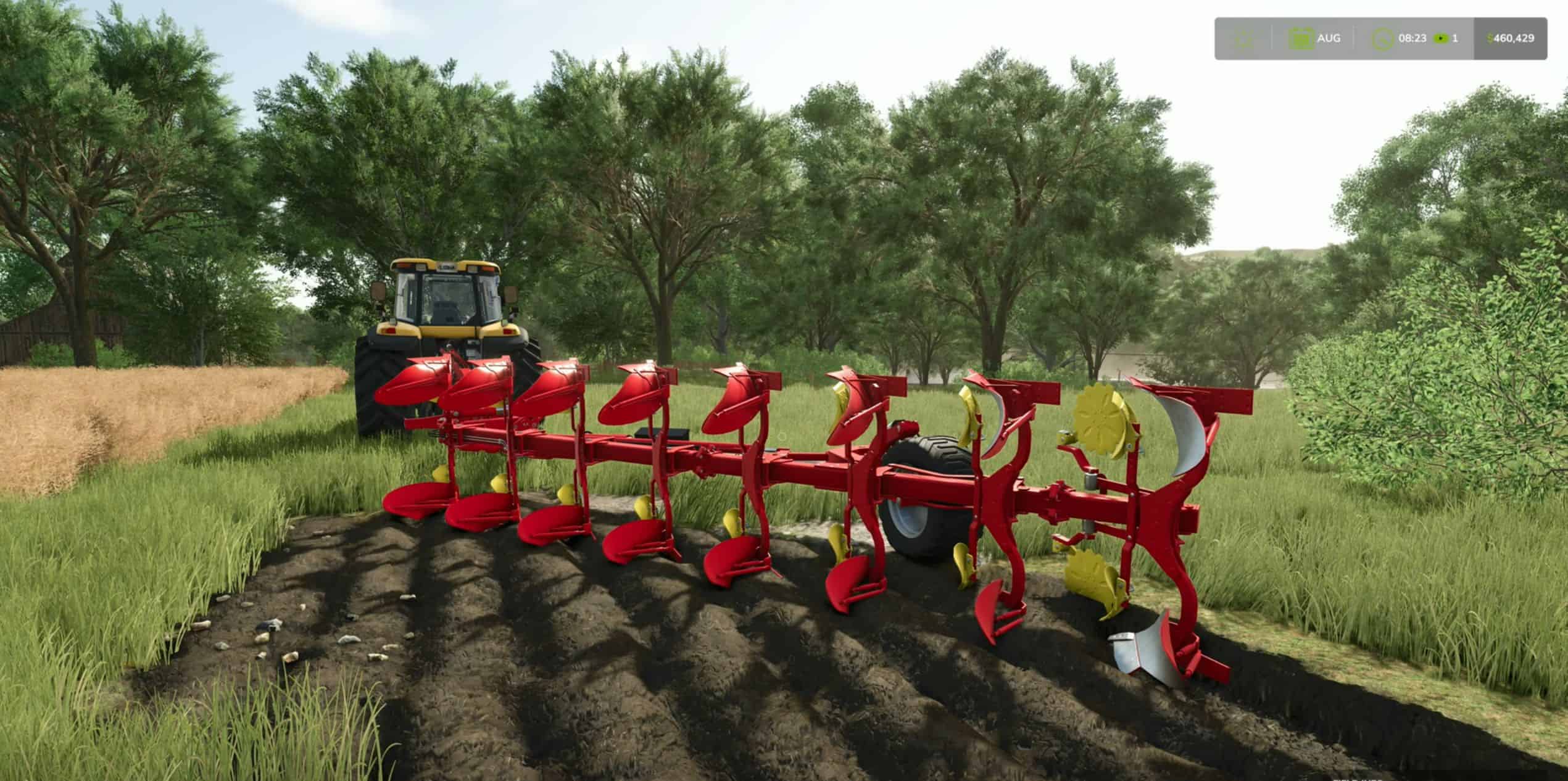
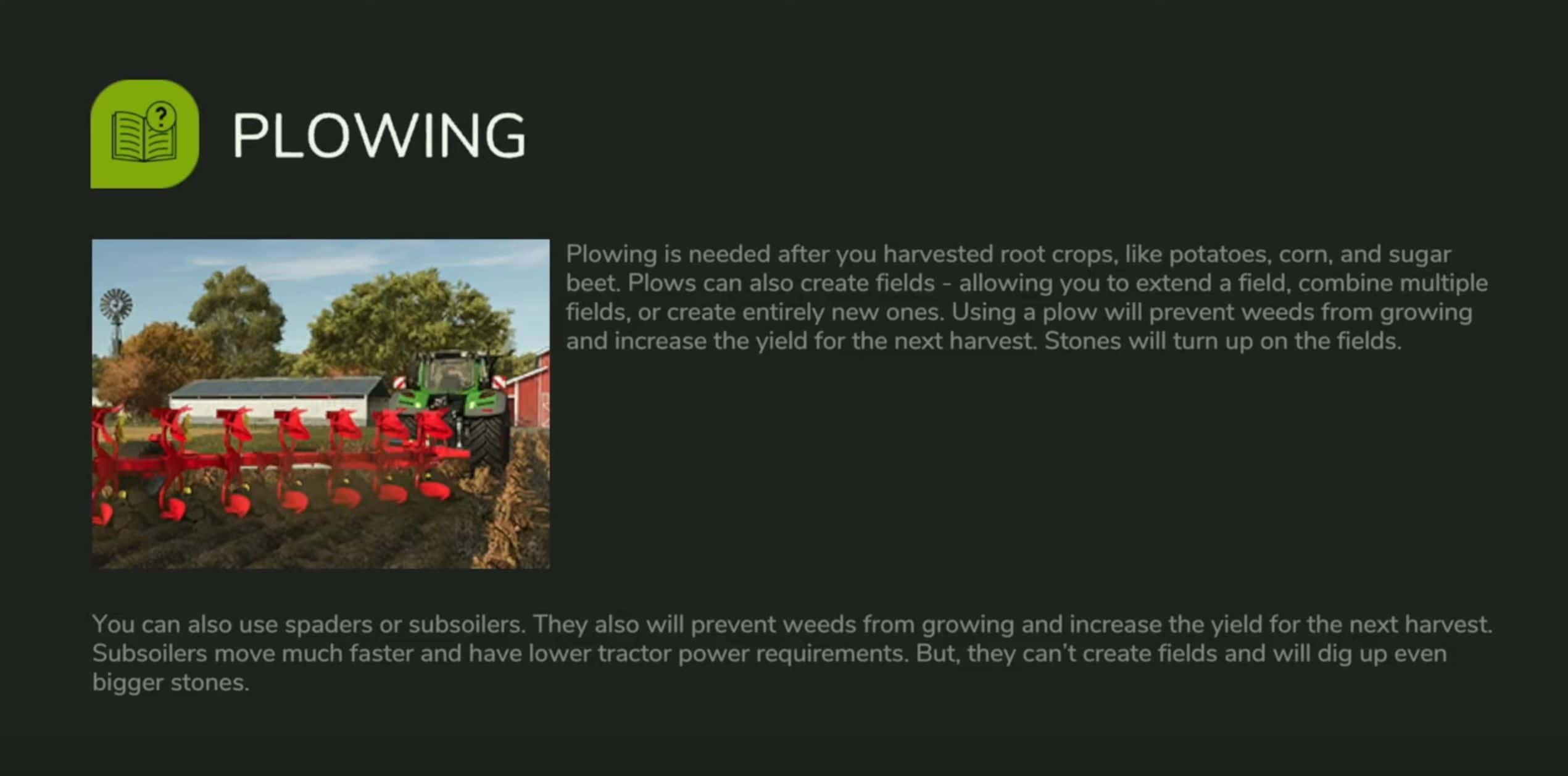
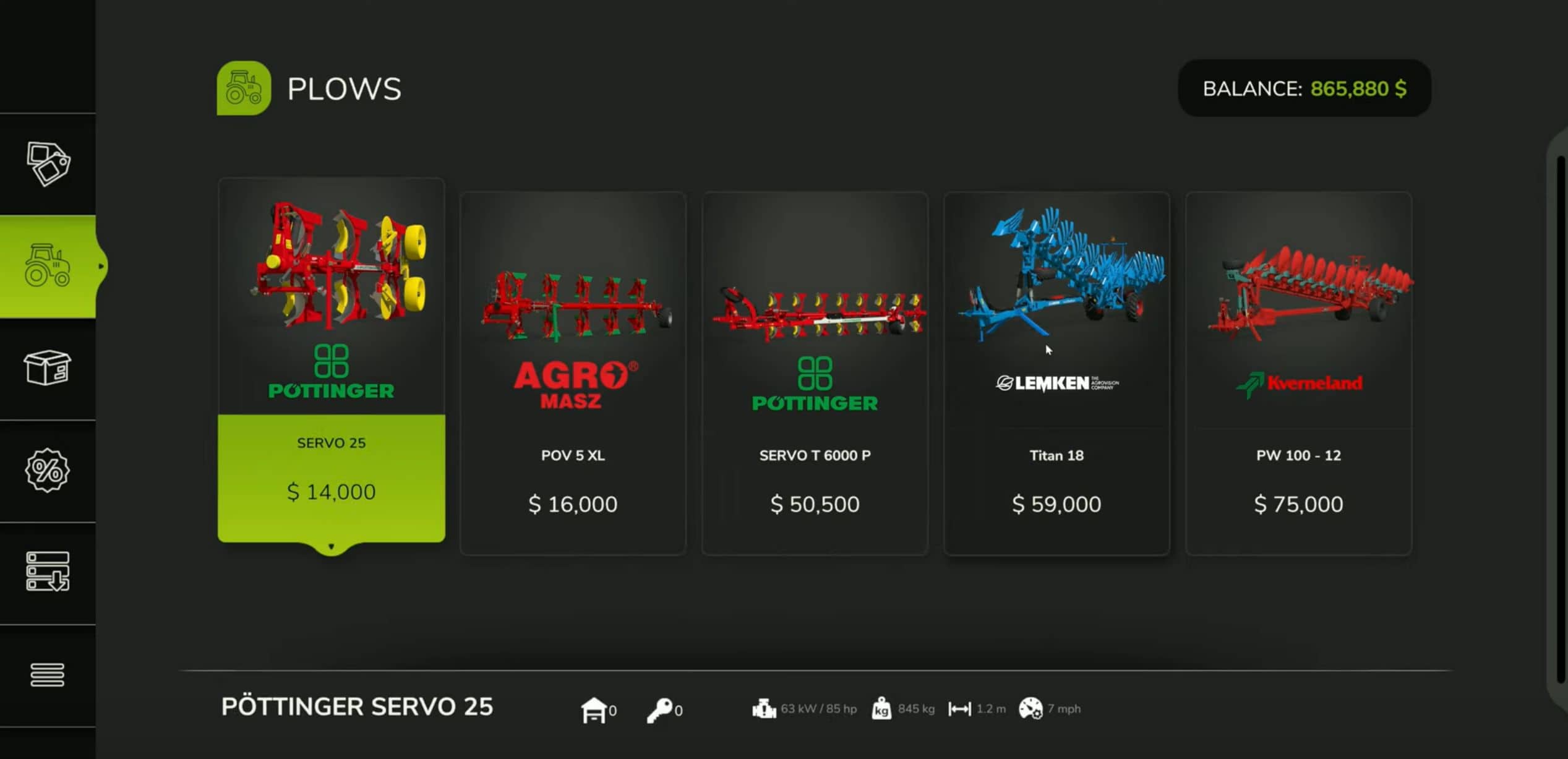
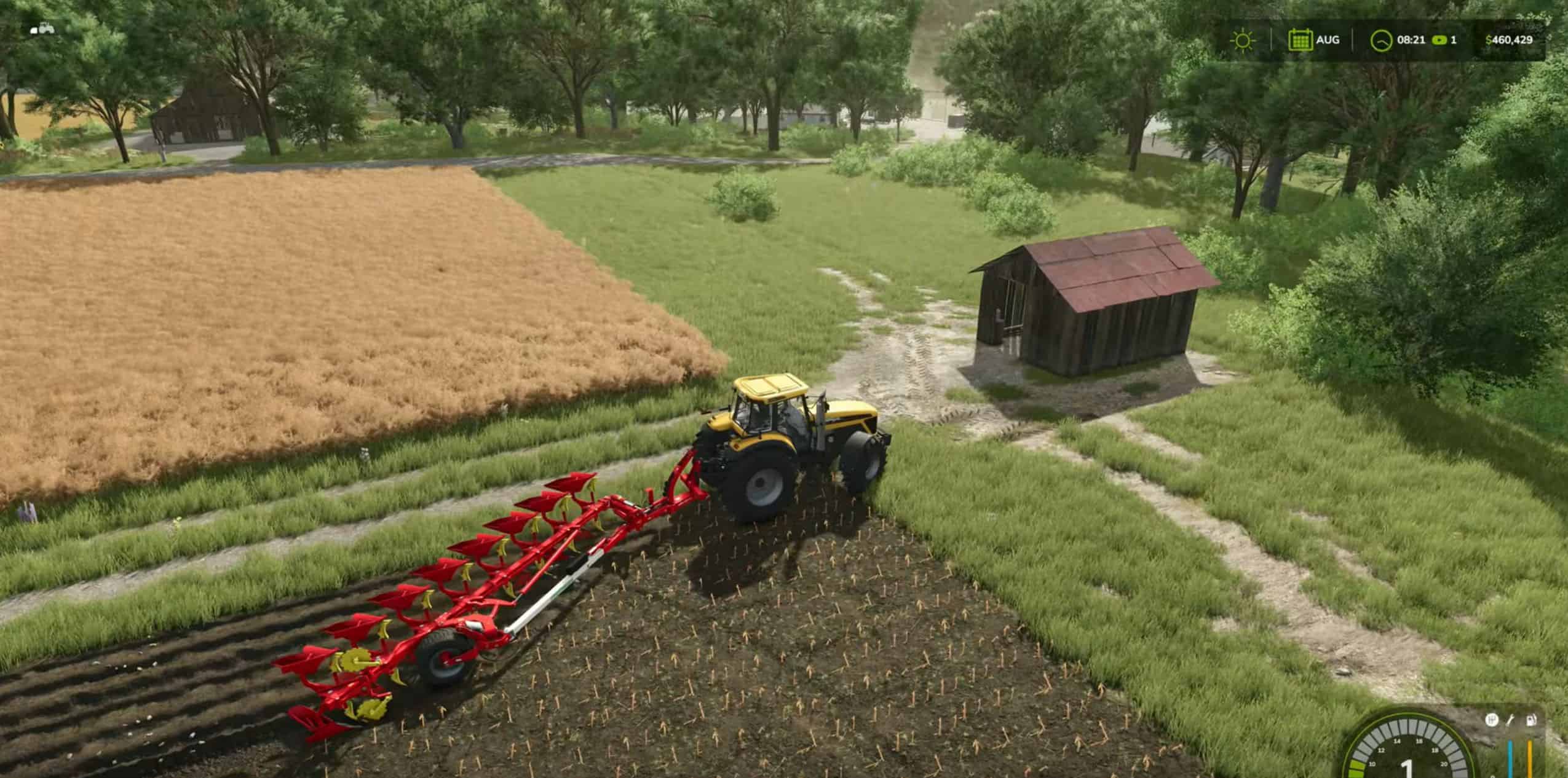
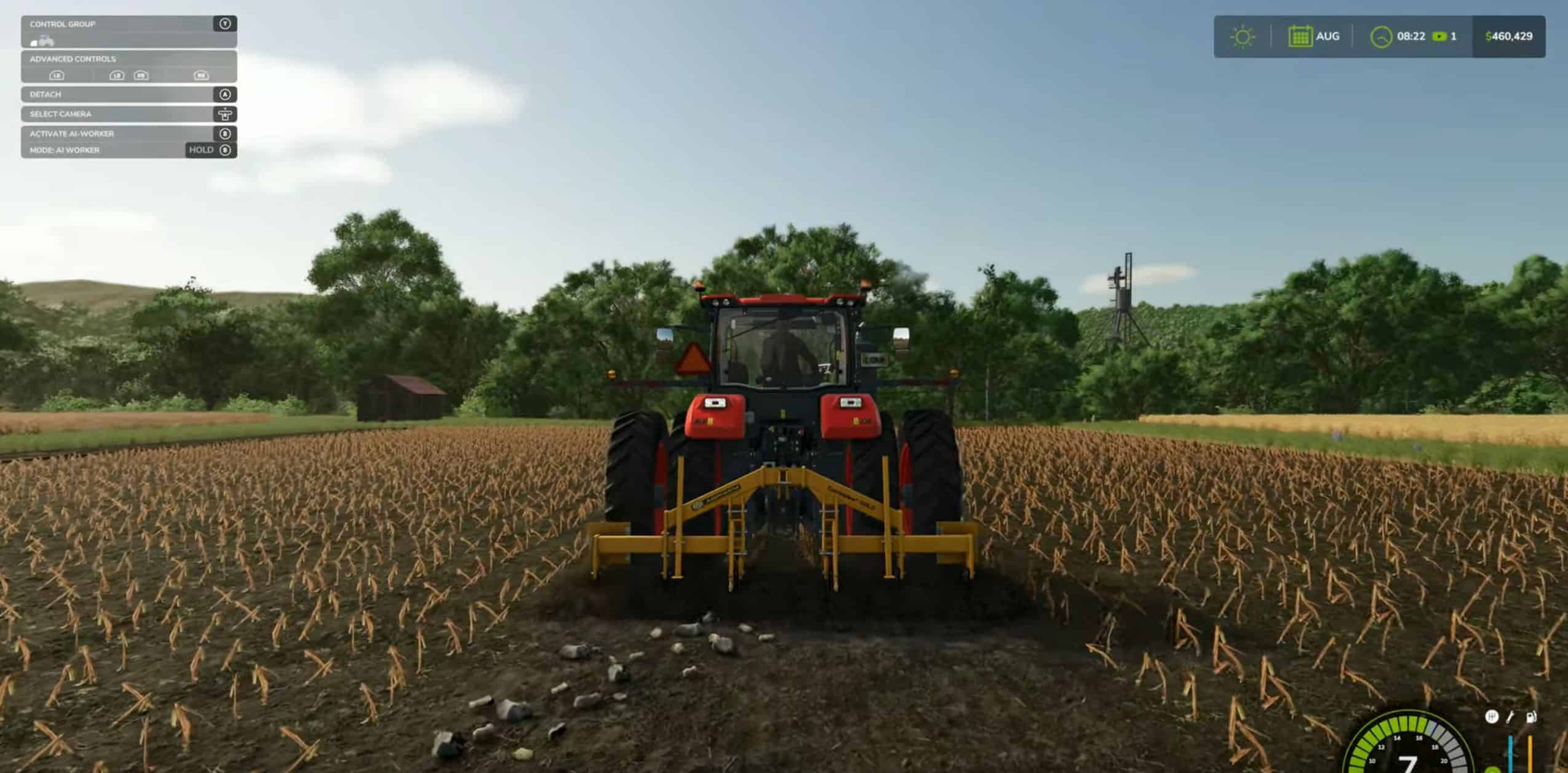
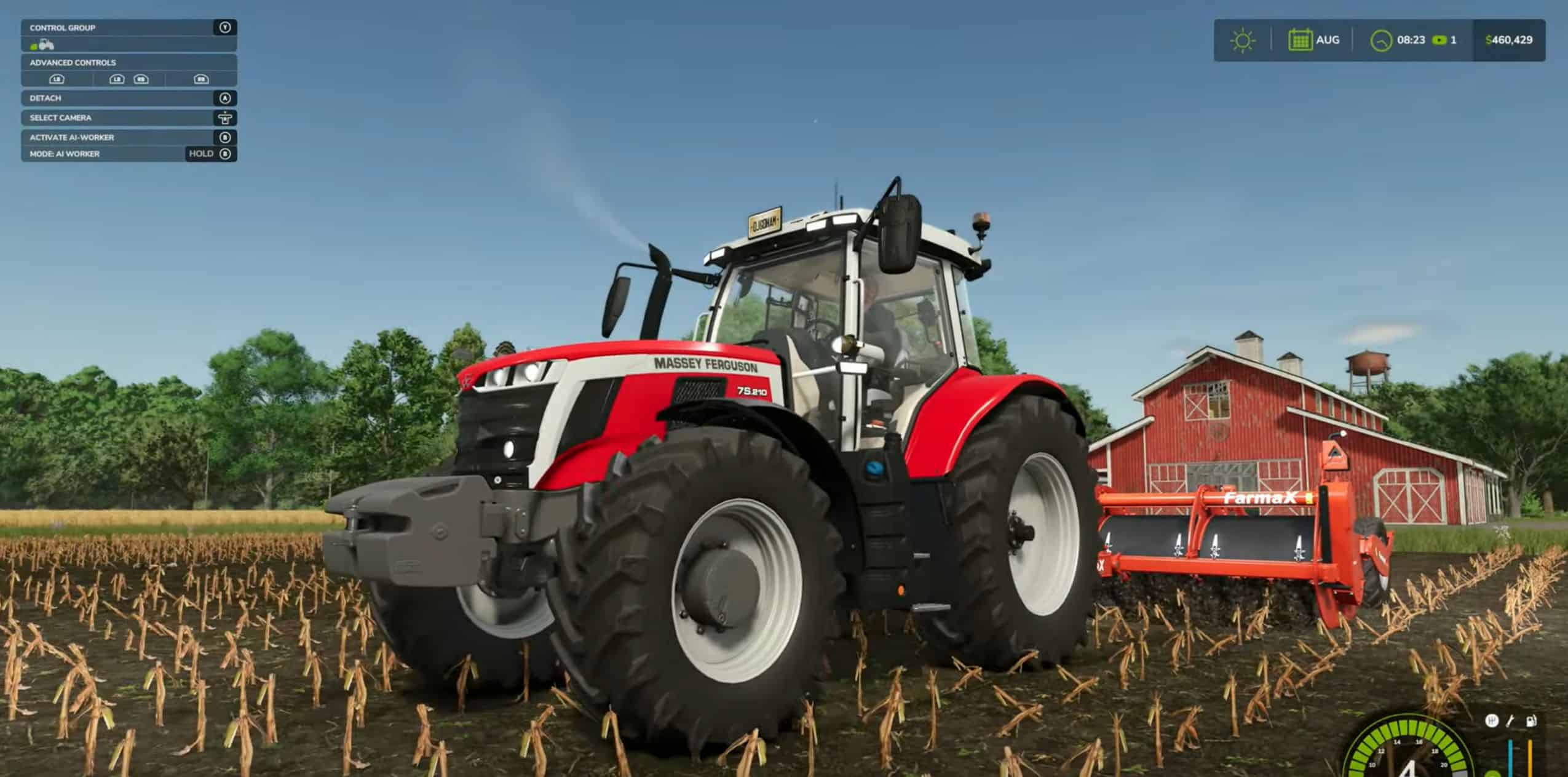
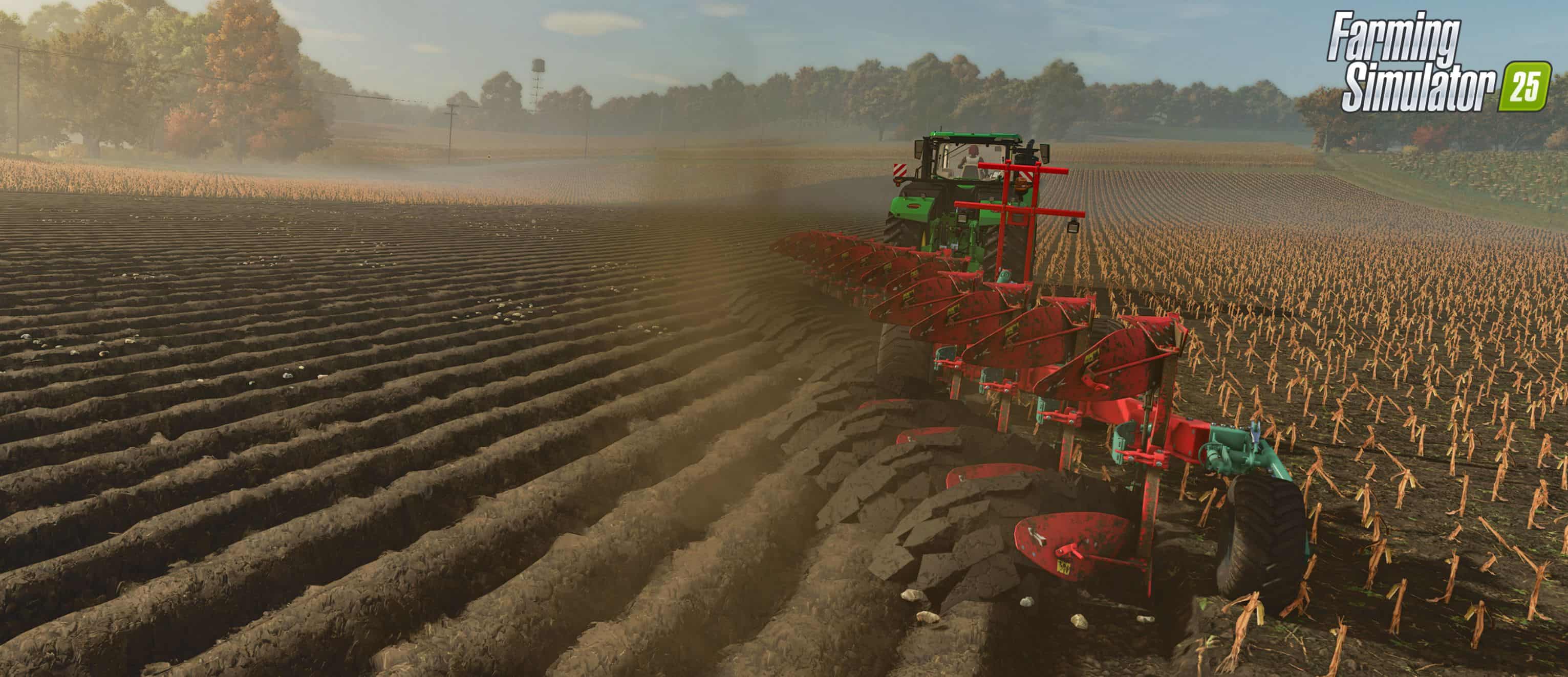
Plowing is an essential task in Farming Simulator 25, especially if you want to maximize your crop yields and keep your fields healthy. Whether you’re preparing for the next planting season, merging fields, or simply maintaining your land, plowing plays a key role in your farming operations. In this guide, we’ll break down everything you need to know about plowing, including the tools available, how to increase yields, and how to prevent weeds.
Why You Need to Plow
Plowing is necessary after harvesting root crops such as:
- Potatoes
- Corn
- Sugar beets
By plowing, you prevent weeds from growing, which in turn boosts your crop yields for the next harvest. Additionally, plowing can help:
- Create new fields: Expand your farm by combining multiple fields or creating entirely new ones.
- Reduce weed growth: Plowing or using alternatives like subsoilers can prevent weeds, saving you time during crop maintenance.
- Uncover stones: Plowing will bring stones to the surface, which may require additional steps to manage.
Plowing Tools: What You Need to Know
In Farming Simulator 25, you have three main tools for soil cultivation:
- Plows:
– Can create new fields and merge existing ones.
– Helps increase yields by turning over the soil.
– Moderate speed and higher power requirements.
– Brings up small stones that can be easily managed. - Subsoilers:
– Faster than traditional plows and require less tractor power.
– Cannot create or expand fields.
– Can also be used as a cultivator, making them a versatile option.
– Brings up large stones that will require removal. - Spaders:
– The least commonly used option but still effective.
– Ideal for turning and aerating the soil.
– Requires more power and can be slower than subsoilers.
– Also brings up large stones similar to subsoilers.
How to Choose the Right Plowing Equipment
When selecting a plow, subsoiler, or spader, consider the following:
- Horsepower Requirements:
– Check the horsepower your tractor has and choose a plow that fits within its capabilities.
– Alternatively, pick a plow you like and then purchase a tractor powerful enough to handle it. - Shop for Equipment:
– Head to the shop menu under Soil Cultivation to browse available plows.
– Choose between different options based on your farm’s needs and budget. - Turning Off Plowing Requirements:
– If you want to simplify your farming experience, you can turn off the Periodic Plowing Required setting in the game options.
Step-by-Step Guide to Plowing a Field
- Determine if Plowing is Needed:
– Open the menu and navigate to Soil Composition.
– Fields that need plowing will be marked in red. - Use a Plow:
– Attach your plow to the tractor and lower it to start plowing.
– For fields that need expansion or merging, use the create field option. On an Xbox controller, this can be done with the left bumper + Y button. - Try Subsoiling for Faster Results:
– Subsoilers can plow the field at higher speeds and also act as cultivators.
– However, keep in mind that subsoilers will bring up larger stones, which will need to be removed using a rock picker. - Using a Spader:
– The spader works similarly to a plow but needs to be turned on before use.
– It turns the soil thoroughly but will also generate large stones, requiring additional field maintenance.
Managing Stones: What You Need to Know
- Small Stones: These can be easily rolled back into the soil using a field roller.
- Large Stones: Subsoilers and spaders generate larger stones that need to be picked up with a rock picker.
- Failing to remove stones can damage your equipment and reduce crop yields, so it’s essential to deal with them after plowing.
Pro Tips for Efficient Plowing
- Use GPS Systems: If you have access to GPS mods, you can use them to keep your plowing lines straight, saving time and fuel.
- Create Custom Fields: If you’re looking to expand your farm, use the plow’s create-field option to merge fields or create new sections on your map.
- Turn Off Periodic Plowing: If you’re focusing on other aspects of the game and want to skip plowing, turn off the periodic plowing requirement in your game settings.
Conclusion
Plowing is more than just turning soil in Farming Simulator 25. It’s a crucial process for maintaining field health, increasing yields, and optimizing your farm’s productivity. Whether you use a plow, subsoiler, or spader, each tool has its unique benefits and challenges.
By following this guide, you’ll be well-equipped to make the most out of your plowing efforts and keep your farm running efficiently. Happy farming!
System Requirements
- Requires a 64-bit processor and operating system
- OS: Windows 10, 11 (64-bit)
- Processor: Intel Core i3-9100 / AMD Ryzen 3 3100
- Memory: 8 GB RAM
- Graphics: NVIDIA GeForce GTX 1050 Ti / AMD Radeon RX 560
- DirectX: Version 11
- Storage: 5.5 GB available space
Instructions
- Click the Download button below and you will be redirected to your chosen mirror.
- Wait 5 seconds and click on the download button. We recommend using a download manager (such as FDM) for maximum download speeds.
- Once the game is finished downloading, right click the .zip archive and click on “Extract to FS25 Tutorial: Master Plowing, Subsoiling, and Spading v1.0.zip” using 7-Zip.
- Double click inside the extracted folder and run the setup application or executable as Administrator. Enjoy playing!