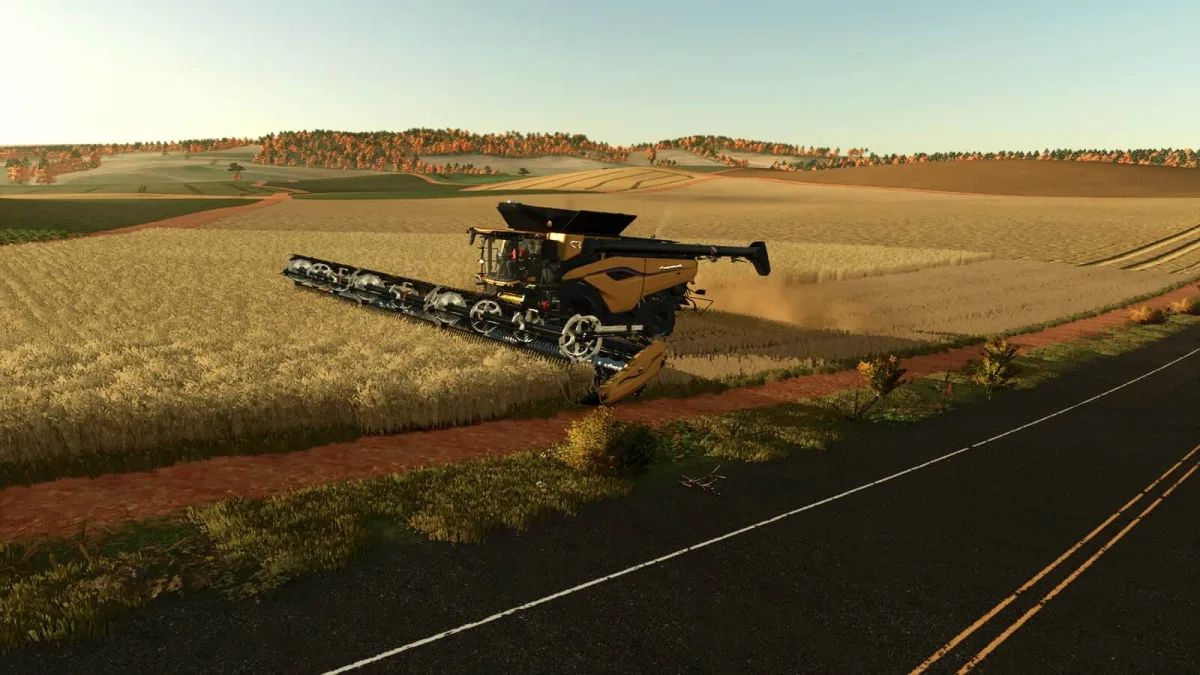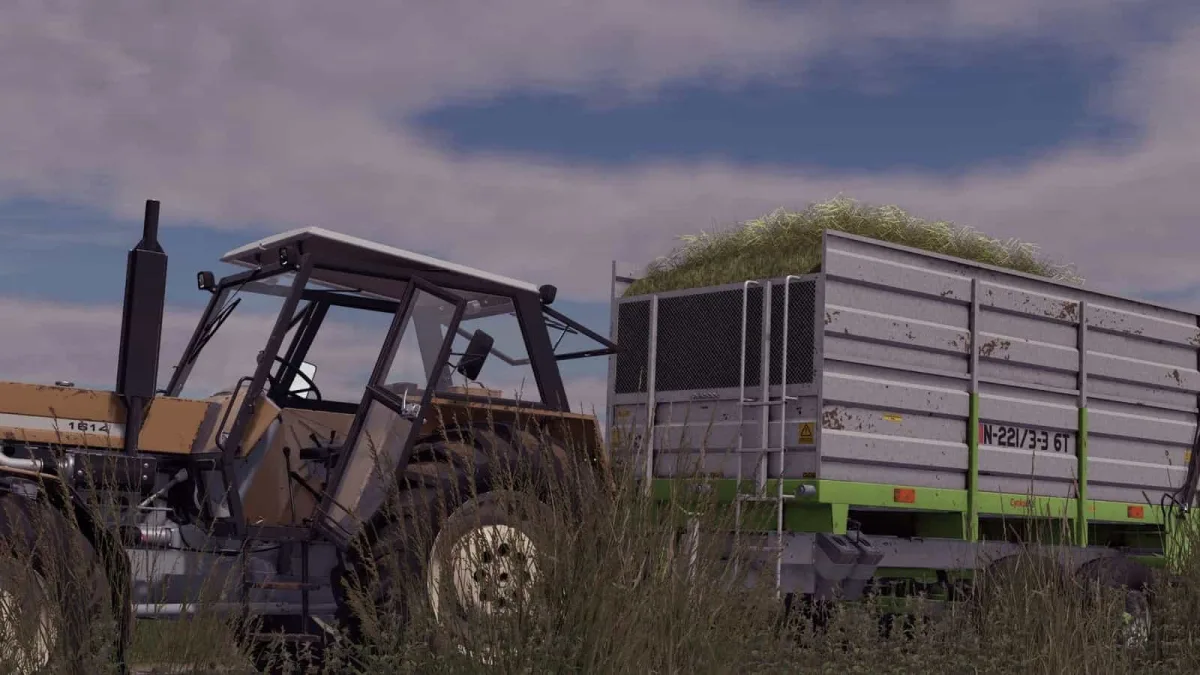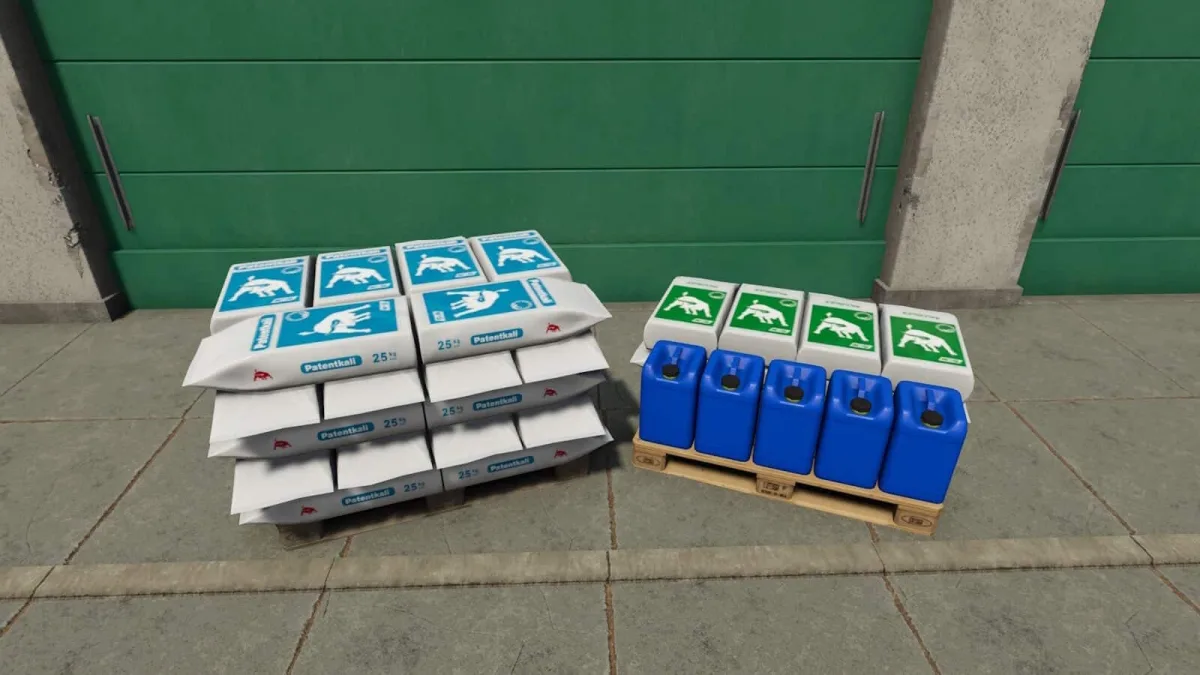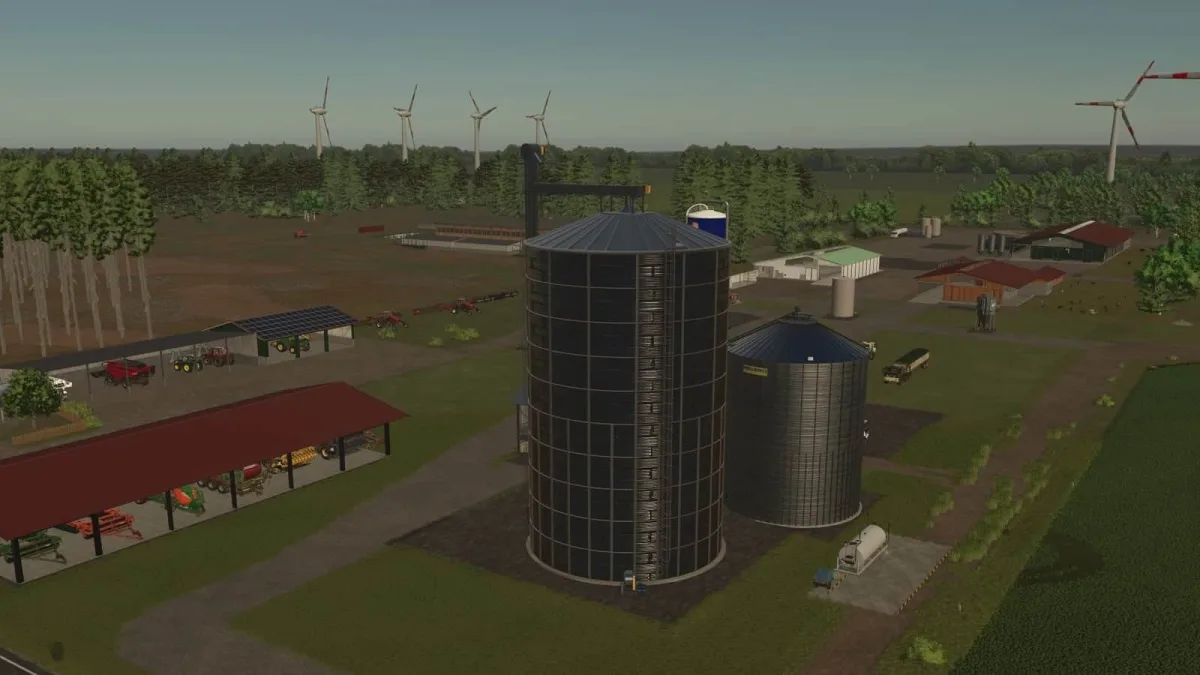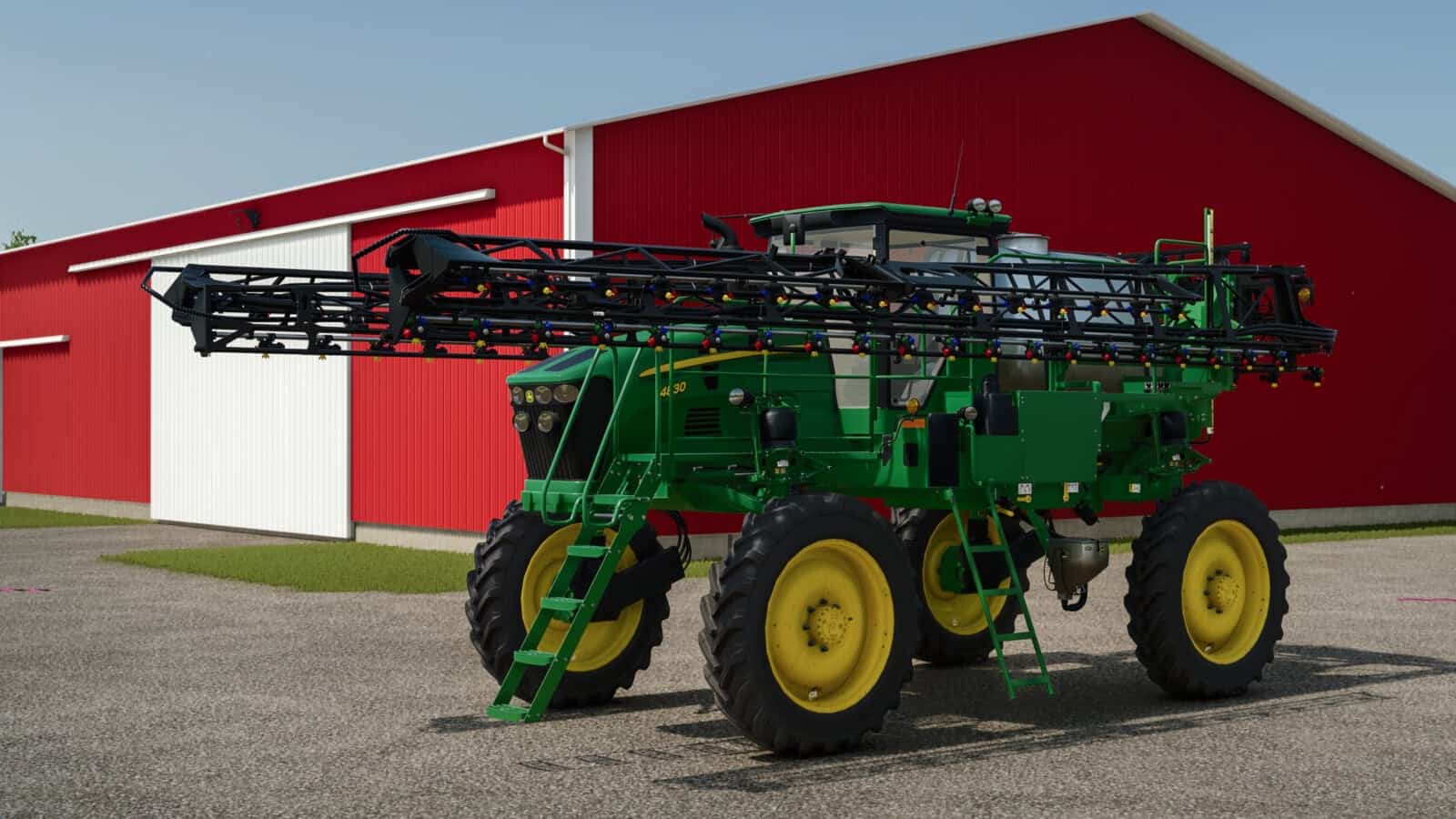
Game Overview
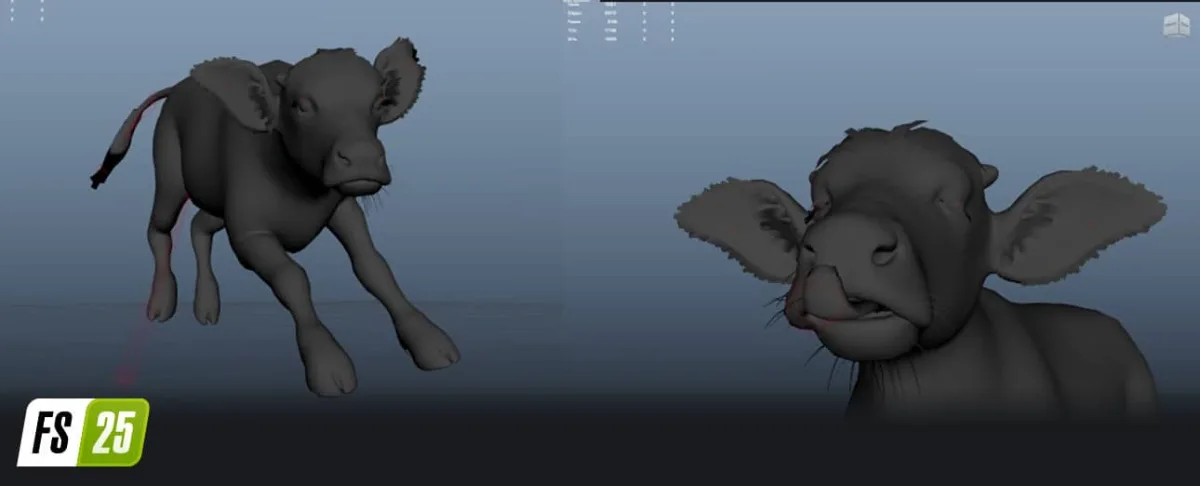
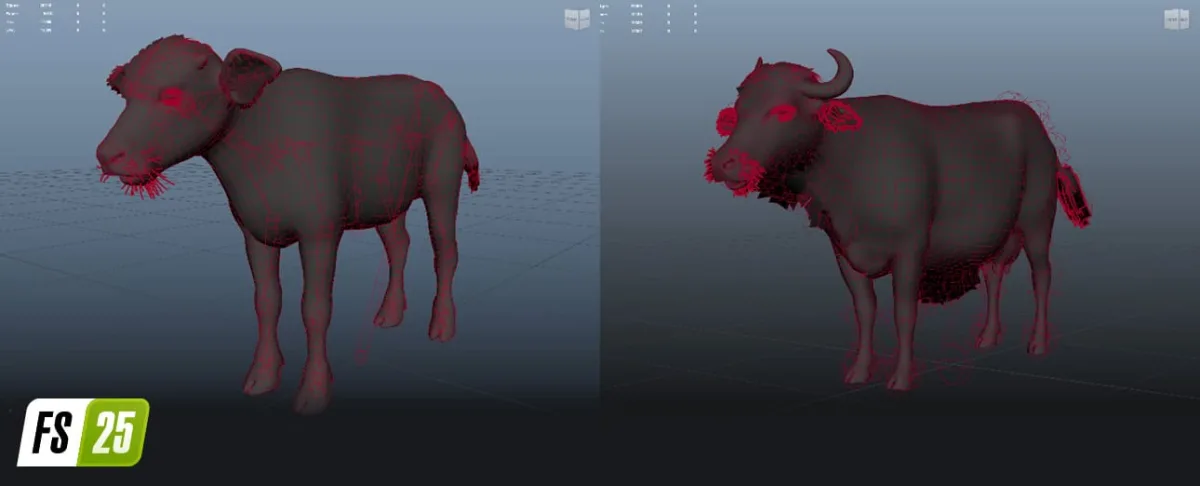
Roman, can you explain your approach when designing a new animal? How do you begin, and what are the main stages of your process?
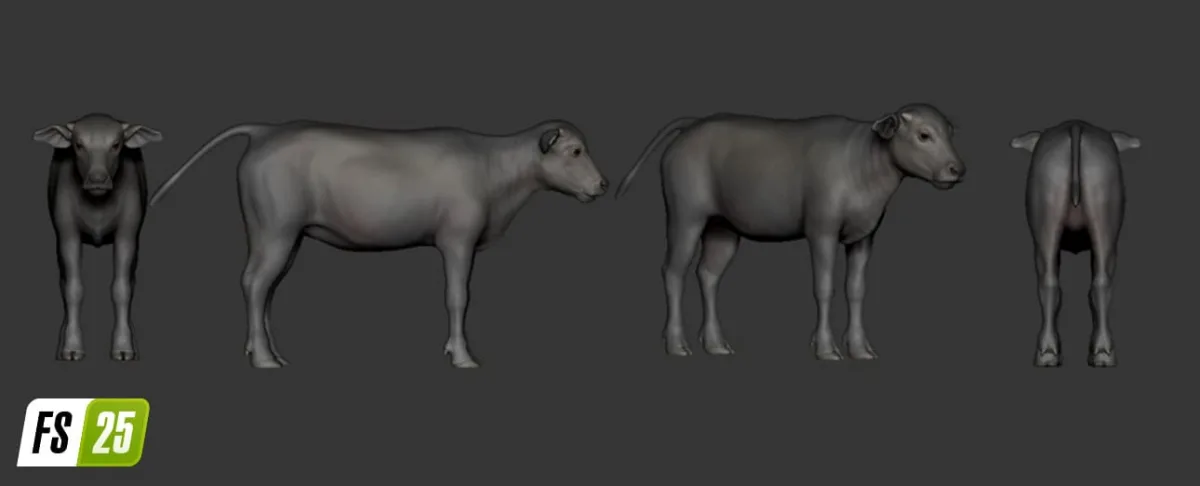
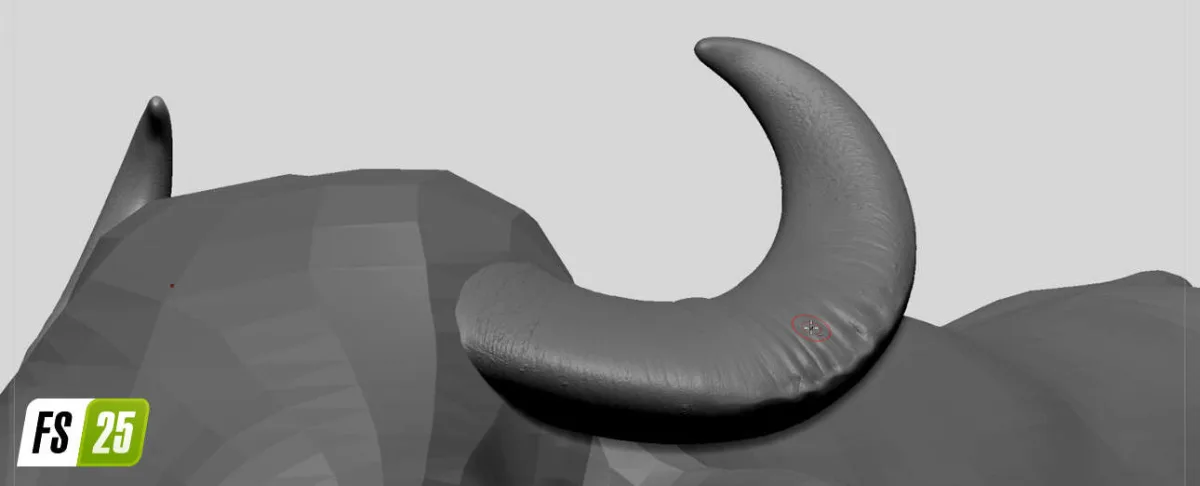
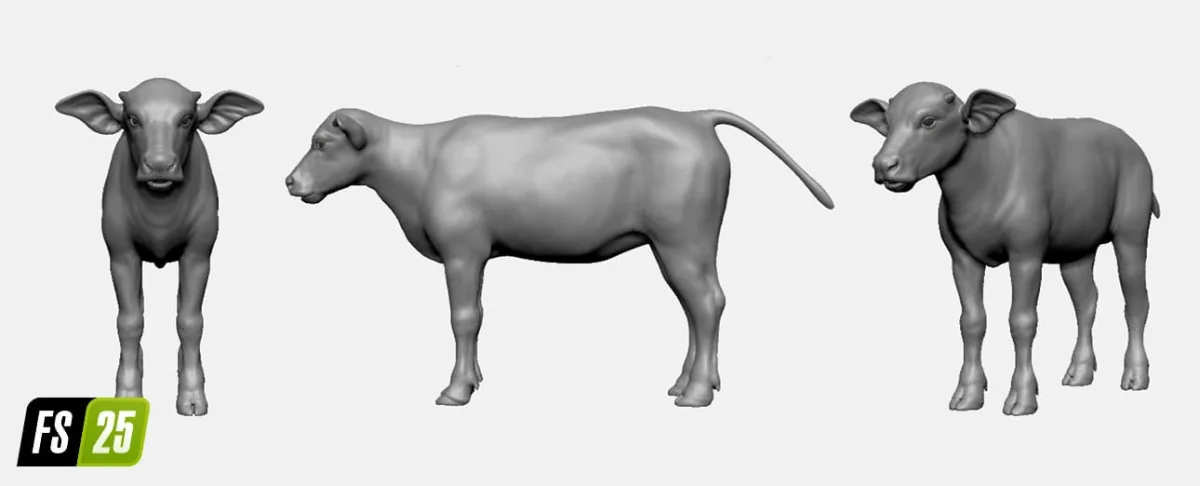
Roman: It all starts by compiling an extensive reference list of real animals, focusing on their anatomy, behavior, and movement. After this detailed research phase, we transition to creating detailed high-poly models using sculpting tools like ZBrush.
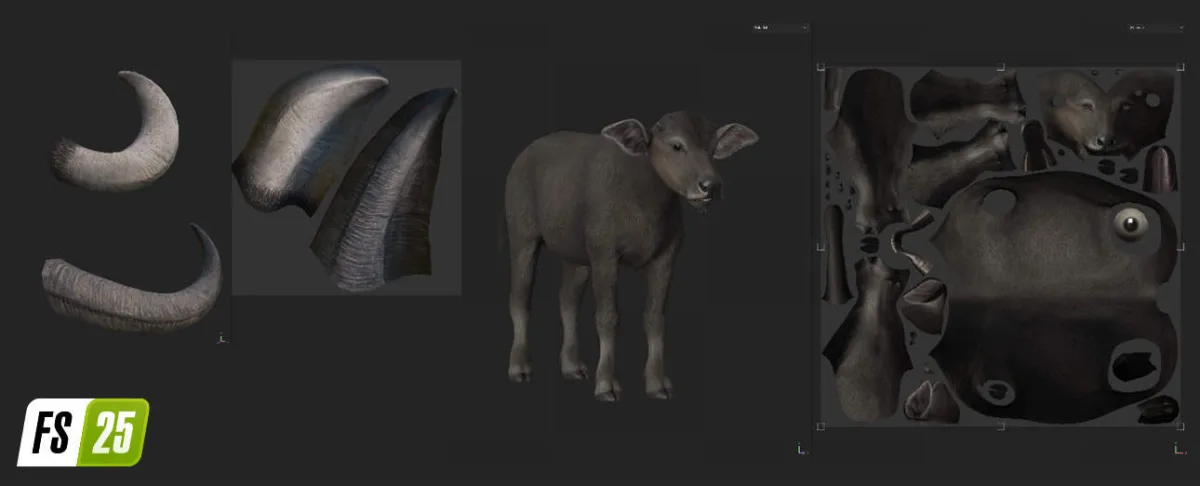
The next step involves preparing a low-poly model with accurate topology, making it ready for the texturing phase.
In Substance Painter, we transfer the intricate details from the high-poly model onto the low-poly version and start texturing it. Once the model is fully textured, it’s technically finished, but the next step is animating it to bring it to life.
What kind of preparation do you undertake before starting to model an animal? What are the key things to keep in mind?
Roman: Before we start modeling, it’s essential to gather high-quality references and have a solid understanding of the animal’s anatomy. Since the sculpting process is manual, it’s easy to make small mistakes with such intricate structures.
To avoid this, we go through several iterations, reviewing each step thoroughly. We focus on every detail for accuracy, from the bone structure and muscle placement down to the smallest elements, like the pores on the nose.
What difficulties do you encounter when animating animals, particularly in achieving realistic movements?
Roman: Animating is challenging because it requires transforming a static model into something lifelike. The real challenge is ensuring that the animal’s personality comes across in the animation, capturing its natural behaviors and movements in a way that allows viewers to connect with its character.
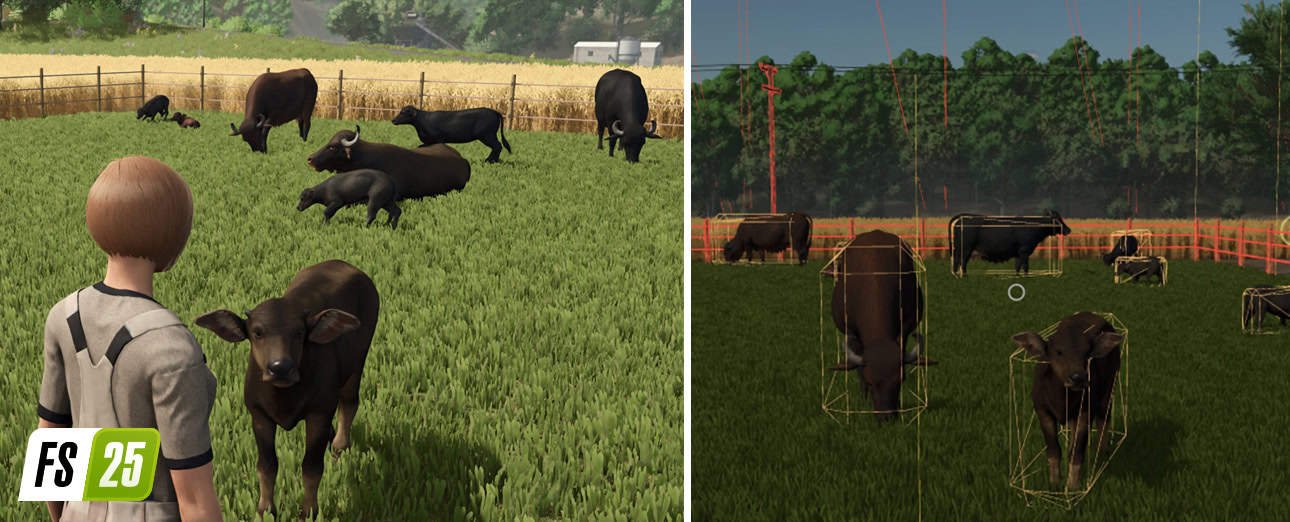
How do you make sure that animals interact properly with their surroundings and other animals in the game?
Roman: The game uses a specially developed system that ensures animals interact correctly by maintaining them within a designated space, where they are aware of each other’s locations and respond accordingly.
What is one aspect of the project that you are especially proud of? What made it unique or challenging?
Roman: I’m particularly proud of how the animals were fully integrated into the game. Seeing them evolve from basic concepts to fully realized creatures with distinct personalities has been incredibly rewarding.
System Requirements
- Requires a 64-bit processor and operating system
- OS: Windows 10, 11 (64-bit)
- Processor: Intel Core i3-9100 / AMD Ryzen 3 3100
- Memory: 8 GB RAM
- Graphics: NVIDIA GeForce GTX 1050 Ti / AMD Radeon RX 560
- DirectX: Version 11
- Storage: 5.5 GB available space
Instructions
- Click the Download button below and you will be redirected to your chosen mirror.
- Wait 5 seconds and click on the download button. We recommend using a download manager (such as FDM) for maximum download speeds.
- Once the game is finished downloading, right click the .zip archive and click on “Extract to Behind the Scenes of the Farming Simulator 25 v1.0.zip” using 7-Zip.
- Double click inside the extracted folder and run the setup application or executable as Administrator. Enjoy playing!